Handle every pause from one clear mobile screen.
Try all six request types. The phone records an operator answer. The customer-controlled runner checks the live application and returns a distinct result.
Try the mobile decision experience
Switch among all six pause types. Answer inside the phone, then inspect the distinct result returned by the customer-controlled runner.
Interactive phone experience · synthetic data
Six reasons a workflow can ask for help.
Choose a request type. Then answer it inside the phone to see the customer-controlled runner result.
- 1
Open securelyScan the QR code, sign in, then enable alerts.
- 2
Answer one requestThe phone shows only permitted actions.
- 3
Verify on the runnerThe runner rechecks and returns a receipt.
See the complete live sequence
- Desktop connects the customer runner to its configured control plane.
- The runner projects one signed decision task to the authenticated phone view.
- The operator opens that view with the QR code and signs in.
- The phone shows only the actions Flow permits. It has no execution authority.
- The customer runner checks the live application again, then returns a receipt.
OpenAdapt needs your help
Open the intended patient record.
The record identity did not match. OpenAdapt stopped before Save.
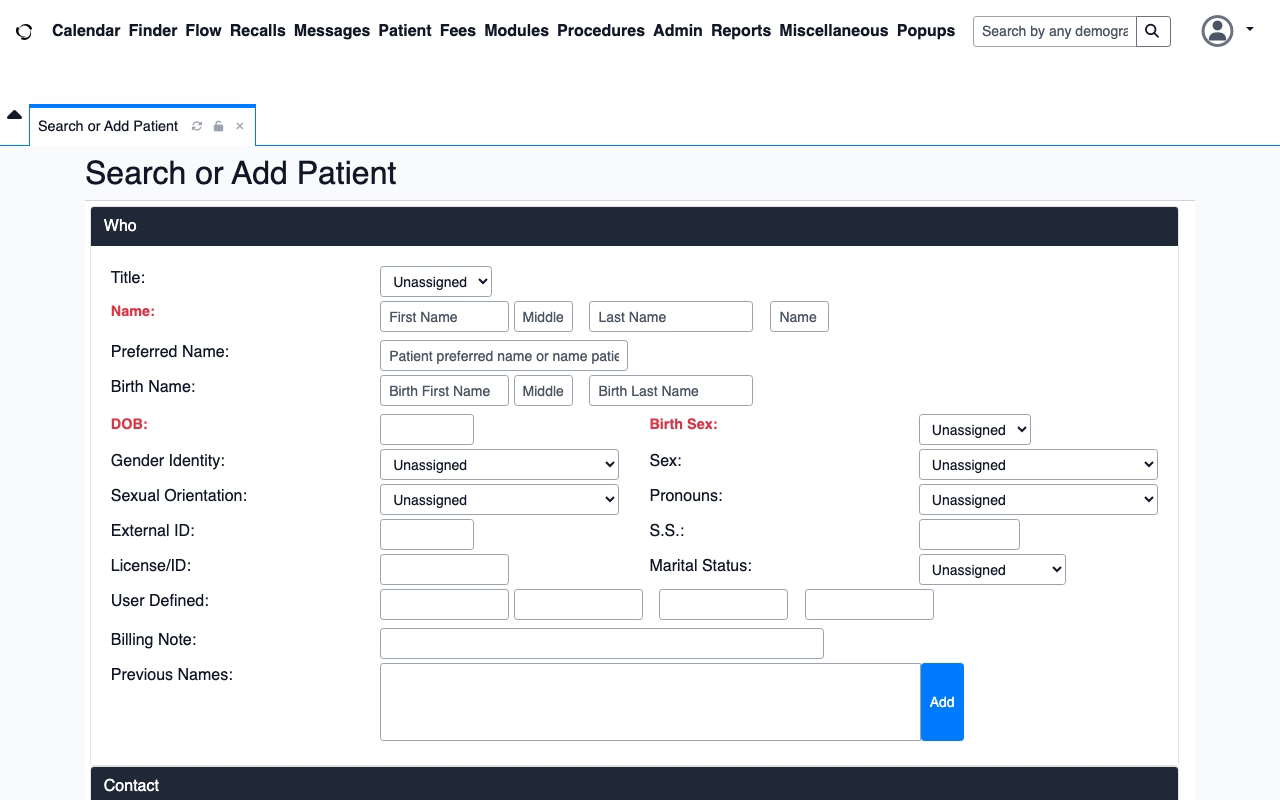
After your answerOpenAdapt will check the patient identity and target again.
The phone records an answer. The runner checks the live application again. Only the runner can return a verified result.